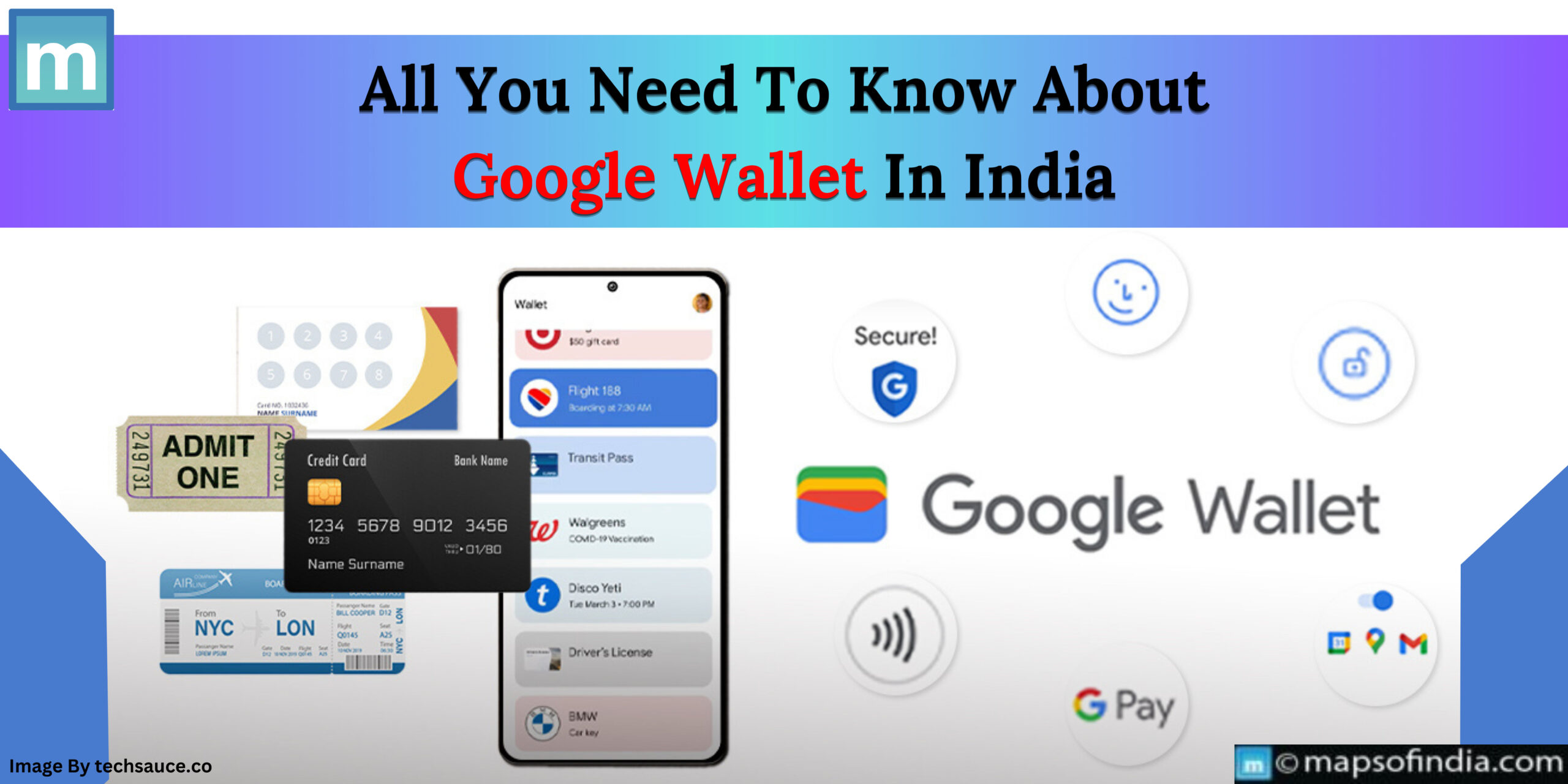
- Movie or event passes: To make movies and event tickets easily accessible when needed, you can add and save them in Google Wallet.
- Passes for flights: Flights can also be added to this wallet. To add a boarding pass to one's wallet, users must take a screenshot and select the "Add to Google Wallet." option, which is exclusive to Google Pixel smartphones.
- Brand allegiance or gift cards: Several digital versions of gift cards and loyalty programs can be kept in this wallet.
- Metro and bus tickets can also be kept in this wallet for use on public transportation.
- Corporate badge: In addition to storing some corporate identity cards, Google Wallet can access and display them based on needs
- Digitisation of hard copy documentation: Generate fresh passes within this Wallet using any picture that has a barcode or QR code, such as parking receipts, luggage tags, or airline boarding passes
- Features unique to Gmail: if an individual has enabled Gmail's smart personalization settings, the event confirmation received to their Gmail account after purchasing a movie, IPL, or train ticket will automatically appear in their Google Wallet.