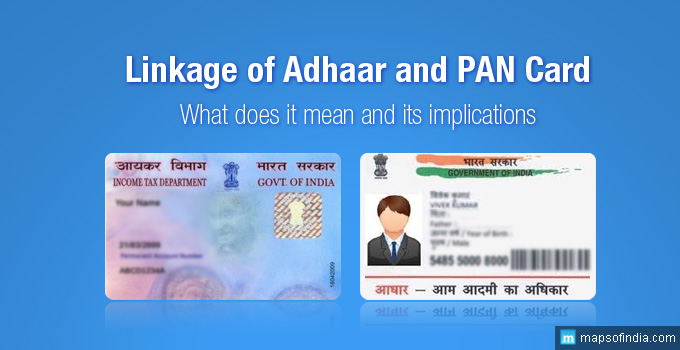
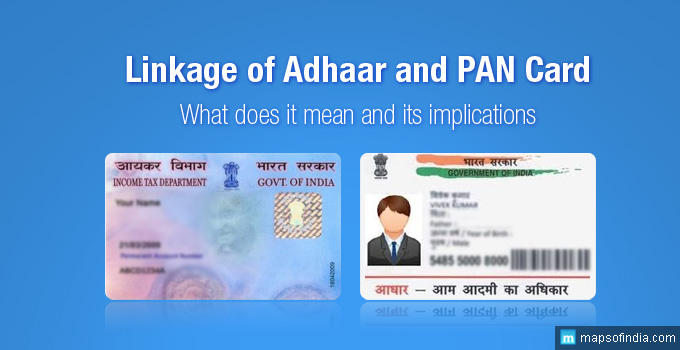
 According to a notification by the Government of India all those who have been issued PAN (permanent account number) will be required to link it with their 12 digit unique identification, Aadhar number. This linking of the biometric Aadhar number and the PAN must be completed by 1 July, 2017. This means you have till tomorrow to complete the process. Here are some FAQs that will help clarify the issue -
Why is this Aadhar PAN linking important? How will it help?
A PAN (Permanent Account Number) card is a 10 digit alphanumeric code that is issued by the Income Tax Department to all tax paying entities in India. It helps the government keep track of all taxable transactions of an individual or an entity. The PAN is often as a proof of identity as well. Of late, however, a number of entities have been found evading taxes by holding multiple PANs. The Aadhar is a unique identification system which includes an individual's biometric data. Thus linking Aadhar and PAN will ensure that each PAN is held by one person whose credentials are verified.
Linking the two will also allow ease of filing of income tax. If your mobile number is registered in the Aadhar database, you will be able to verify your returns by SMS.
Who will be required to link PAN and Aadhar numbers? What if my income is below taxable limits?
Every PAN holder will be required to link it with the Aadhar number. Even if your income does not attract income tax as per current norms, the linking must be undertaken before 1 July, 2017.
According to a notification by the Government of India all those who have been issued PAN (permanent account number) will be required to link it with their 12 digit unique identification, Aadhar number. This linking of the biometric Aadhar number and the PAN must be completed by 1 July, 2017. This means you have till tomorrow to complete the process. Here are some FAQs that will help clarify the issue -
Why is this Aadhar PAN linking important? How will it help?
A PAN (Permanent Account Number) card is a 10 digit alphanumeric code that is issued by the Income Tax Department to all tax paying entities in India. It helps the government keep track of all taxable transactions of an individual or an entity. The PAN is often as a proof of identity as well. Of late, however, a number of entities have been found evading taxes by holding multiple PANs. The Aadhar is a unique identification system which includes an individual's biometric data. Thus linking Aadhar and PAN will ensure that each PAN is held by one person whose credentials are verified.
Linking the two will also allow ease of filing of income tax. If your mobile number is registered in the Aadhar database, you will be able to verify your returns by SMS.
Who will be required to link PAN and Aadhar numbers? What if my income is below taxable limits?
Every PAN holder will be required to link it with the Aadhar number. Even if your income does not attract income tax as per current norms, the linking must be undertaken before 1 July, 2017.
How can I link my aadhaar Card with PAN Card?
While the deadline for linking the Aadhar and PAN numbers may be close at hand, the process itself is a very simple one. Here's how you can link the two in a few minutes -- Step 1 - Log in to the Income Tax e-filing portal https://incometaxindiaefiling.gov.in/e-Filing/UserLogin/LoginHome.html with your 10 digit alphanumeric PAN number, password, and date of birth.
- Step 2 - Select the Profile Settings tab from the various tabs on top of the dashboard. Select 'Link Aadhar' from the dropdown options.
- Step 3 - Your name, date of birth and gender will be displayed. Enter your Aadhar number and verify the Captcha code on the screen. Click on 'Link Aadhar' button. Visually impaired users may ask for an OTP (one time password) to be sent through text instead of verifying the Captcha code.